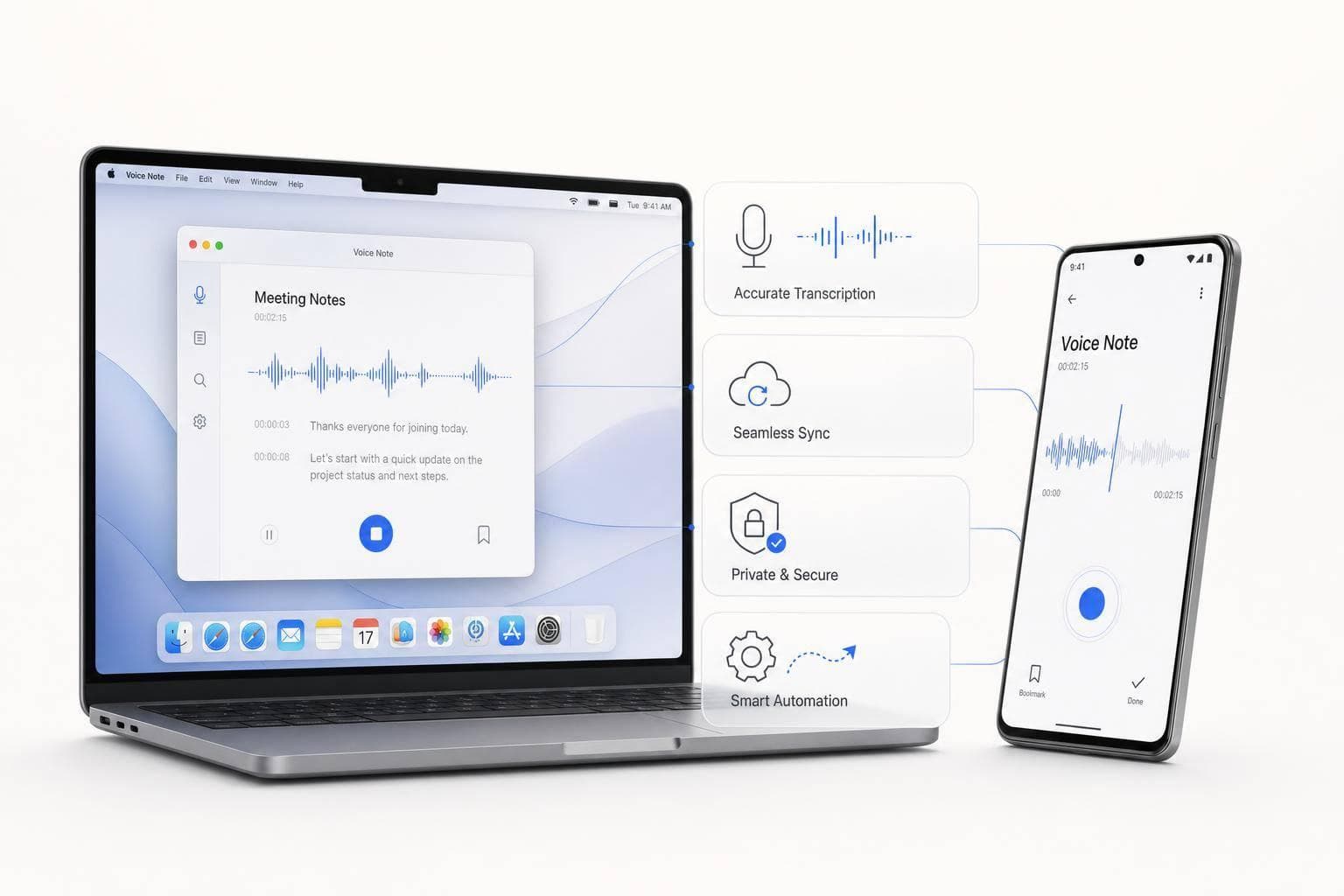
7 Best Voice Note Apps for Mac and Android in 2026
If you use both Mac and Android, your best picks are simple: Voicenotes for cross-device sync and AI search, OneKey for fast dictation plus workflow handoff, and Handy, Superwhisper, or VoiceInk only if Android is not a hard need.
I’d boil the whole guide down to this:
- Voicenotes is the best all-around option for Mac + Android
- OneKey is best if I want fast input and task routing
- TypePlus works if I want cloud dictation across many devices
- Handy, Superwhisper, and VoiceInk are Mac-first picks
- macOS Dictation + Android companion app is the low-cost fallback
The article compares each app by the stuff that matters most in day-to-day use:
- Transcription accuracy: many tools now hit around 95% to 98% on clean English audio
- Sync speed: whether notes show up on Mac fast after I record on Android
- AI cleanup: summaries, action items, and cleaned-up text
- Search: whether I can find ideas by meaning, not only exact words
- Privacy: on-device vs. cloud processing
- Export and automation: Slack, Notion, Zapier, PDFs, MP3s, and more
- Price: from free options to plans like $14.99/month or one-time licenses
A modern note-taking app that gets to the point | Voicenotes
sbb-itb-b6fe06e
Quick Comparison
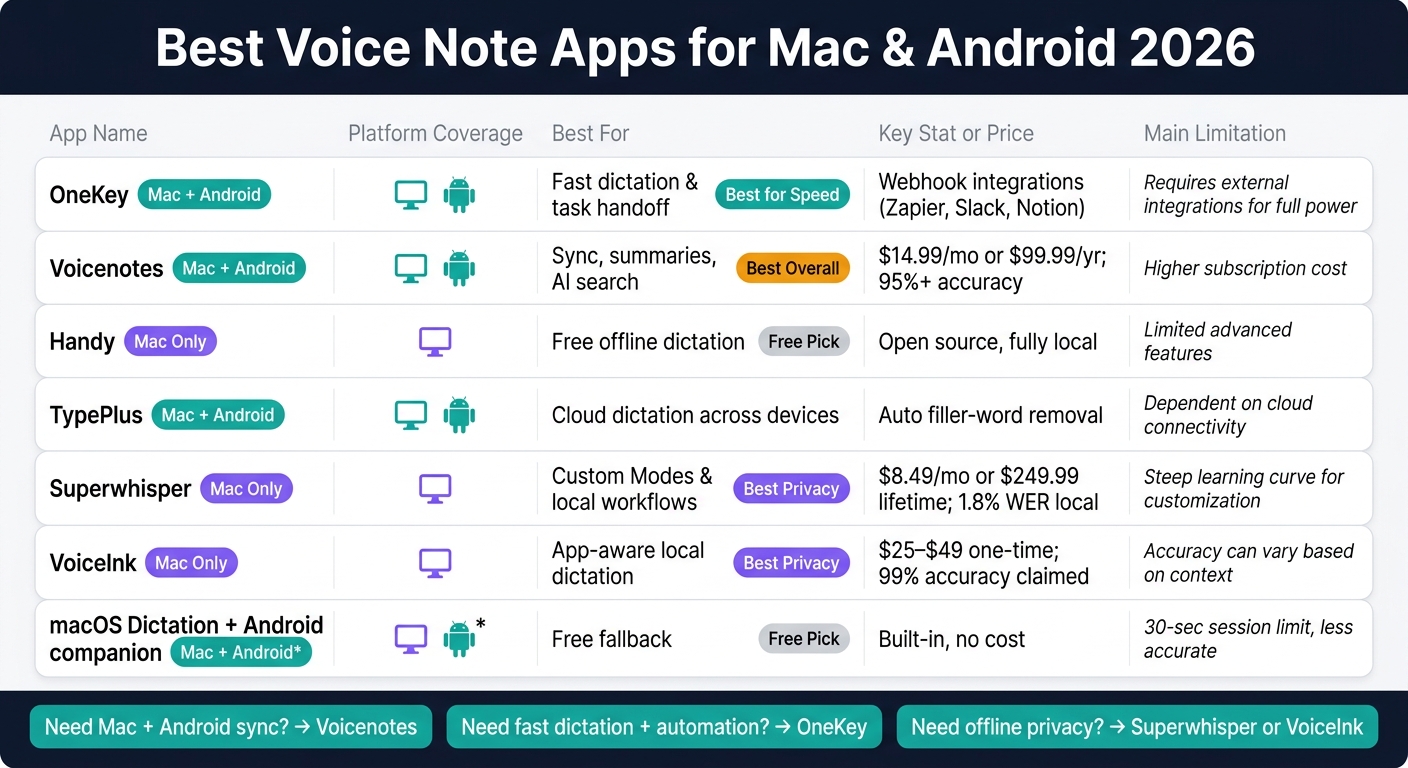
Best Voice Note Apps for Mac & Android 2026: Side-by-Side Comparison
| App | Mac | Android | Best use | Main limit |
|---|---|---|---|---|
| OneKey | Yes | Yes | Fast dictation and task handoff | More focused on input than deep archive search |
| Voicenotes | Yes | Yes | Sync, summaries, and AI search | No bulk export |
| Handy | Yes | No | Free offline Mac dictation | No Android app |
| TypePlus | Yes | Yes | Cloud dictation across devices | Less detail here on export and search depth |
| Superwhisper | Yes | No | Local Mac workflows | No Android app |
| VoiceInk | Yes | No | One-time paid local dictation | Apple-only |
| macOS Dictation + Android companion | Yes | Yes* | Basic low-cost setup | Manual cleanup, short sessions |
*Android support depends on the companion app you pair with it.
My short take: if you want one app that works well across both platforms, start with Voicenotes. If your main goal is to speak ideas fast and send them into tools like Slack or Notion, start with OneKey. If privacy comes first, the Mac-only tools are stronger, but they do not fit a true Mac-and-Android flow.
That’s the core of the guide in one place.
What This Guide Covers
This guide stays practical on purpose. Every app on this list needs to work on both Mac and Android - either through a native Mac app or a desktop web app you can count on, plus an Android app that syncs cleanly.
Here’s the bar each app has to clear. Transcription accuracy is the starting point, not the bonus. Models like OpenAI's Whisper often land around 95% to 98% on clean English audio. That sounds great on paper, but accuracy alone doesn’t solve the whole problem. If you record a note on Android during your commute, it needs to show up on your Mac before your next meeting. If that sync lags, the app gets in your way.
The guide also looks at features that turn a pile of voice clips into something you can use later. AI summaries help trim long recordings into the main points. Semantic search helps you find ideas without digging through every file by hand. And export options matter more than people think. A voice note only helps if it can move into the tools you already use instead of sitting in some app you never open again.
Privacy is part of the trade-off too. Some apps keep audio on-device. Others send it to the cloud. That difference matters, especially if you’re recording work notes, client calls, or anything sensitive.
This list does not include meeting-bot tools that join calls as participants. It sticks to device-level capture - tools that record straight from your device, not through meeting bots.
The reviews below use those standards to sort out apps that are just fast at recording from apps that fit into your day-to-day workflow.
1. OneKey
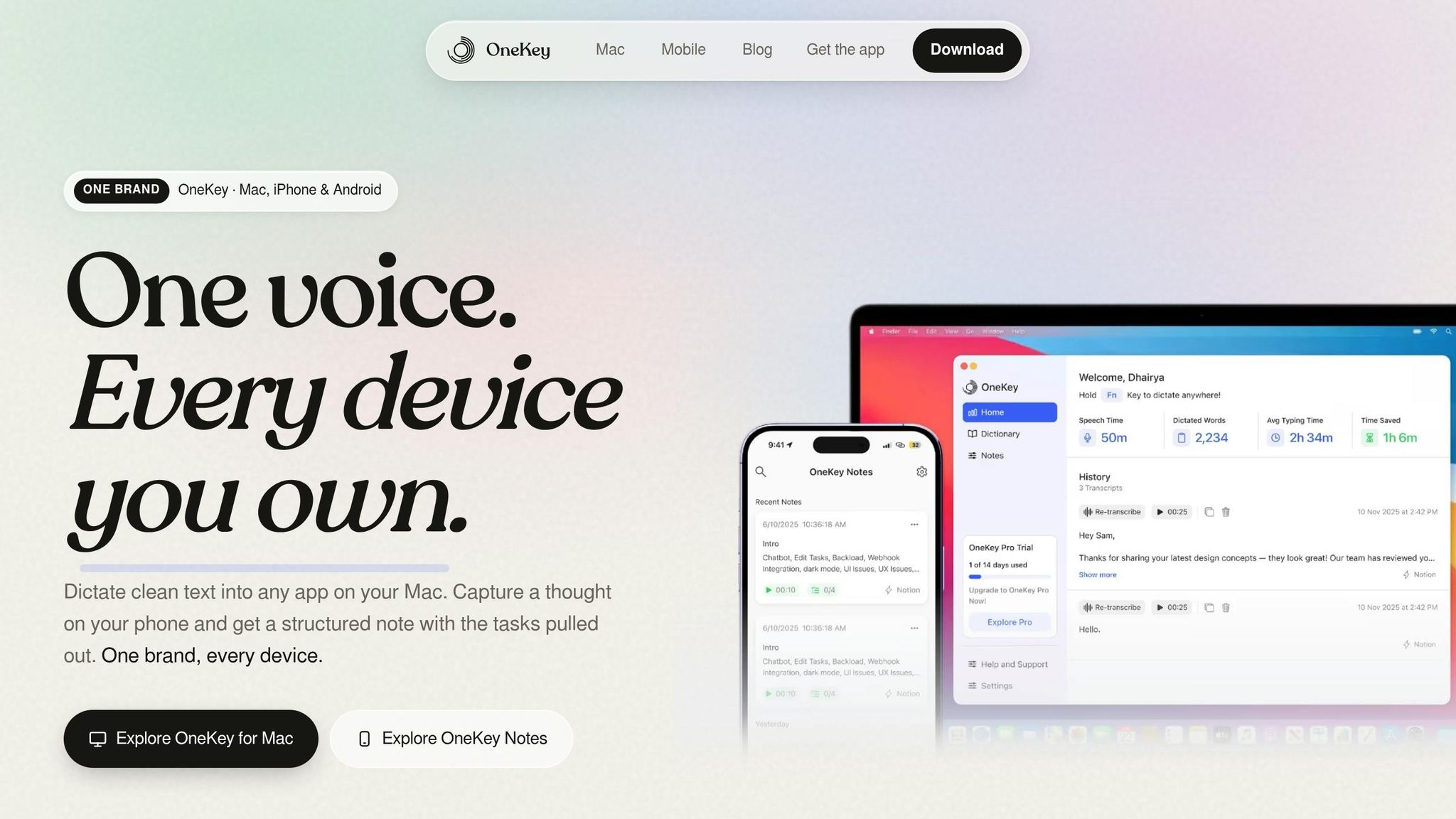
Best for: Founders and high-output professionals who want fast capture on Android and hotkey dictation in any Mac app.
OneKey combines a Mac dictation app with an Android note-capture app. It’s built for those quick moments when an idea, reply, or to-do pops into your head and you need to grab it before it’s gone.
Mac and Android Workflow
On Mac, you press a hotkey and dictate into any app. On Android, you can capture notes from inside any app, then pick them up on your desktop later. It’s a simple setup, but that’s the point: fast input with very little friction.
Transcription and Task Extraction
OneKey gives you cleaned-up text instead of a word-for-word transcript. That matters if you don’t want to sort through every pause, filler word, or half-finished sentence later.
It also supports auto-detected tasks. So if your voice note jumps between ideas and action items - as most of ours do - it can help sort that out for you.
Export and Automation
OneKey supports webhook integrations with tools like Zapier, Slack, and Notion. That means your notes don’t have to stay stuck in one place. They can move into the rest of your workflow without much manual work.
| Feature | Detail |
|---|---|
| Mac app type | Hotkey dictation in any Mac app |
| Android app | OneKey Notes |
| AI features | Cleaned-up text, auto-detected tasks, searchable notes, works offline |
| Integrations | Zapier, Slack, Notion via webhooks |
| Mac requirement | macOS 14+ |
That makes OneKey a strong pick for fast capture and light task routing.
The next app leans more toward stored voice notes and AI cleanup than live dictation.
2. Voicenotes
Best for: People who capture ideas across multiple devices and want to search their full note history weeks later.
Voicenotes runs on Mac and Android, and it also works on the web and wearables. Recordings and transcripts sync within seconds. On Mac, it lives in the menu bar and gives you three modes: meeting recording without a bot, personal notes, and Dictate Anywhere. Hold fn and you can speak into any app. On Android, widgets and a Wear OS Tile let you start recording with one tap.
Transcription and AI Summaries
Voicenotes says it delivers 95%+ transcription accuracy for clear audio and supports 100+ languages with automatic language detection. After each recording, it creates summaries, action items, to-do lists, and follow-up emails.
The standout part is Ask AI. You can search your full note history in plain English. Say something like, "What did I say about the product roadmap last month?" and Voicenotes will return a direct answer. No manual tagging. No digging through old notes.
Export and Automation
Voicenotes works with Todoist, Zapier, Slack summaries, and a WhatsApp bot. You can export notes as PDFs, MP3s, M4A files, or shareable links.
One catch: bulk export isn't supported. If you want all your audio files, you'll need to download them one by one.
| Feature | Detail |
|---|---|
| Mac shortcuts | ⌥ + N (Note), ⌥ + M (Meeting), fn (Dictate Anywhere) |
| Integrations | Todoist, Zapier, WhatsApp bot |
| Export formats | PDF, MP3, M4A, shareable link |
| Offline mode | Recording works offline; transcription requires internet |
| Pro plan | $14.99/mo or $99.99/yr |
On Android, weak connections can cause "Waiting for network" errors. Disabling battery optimization can help avoid recording interruptions.
If you want a lighter dictation workflow, the next app takes a more stripped-down approach.
3. Handy
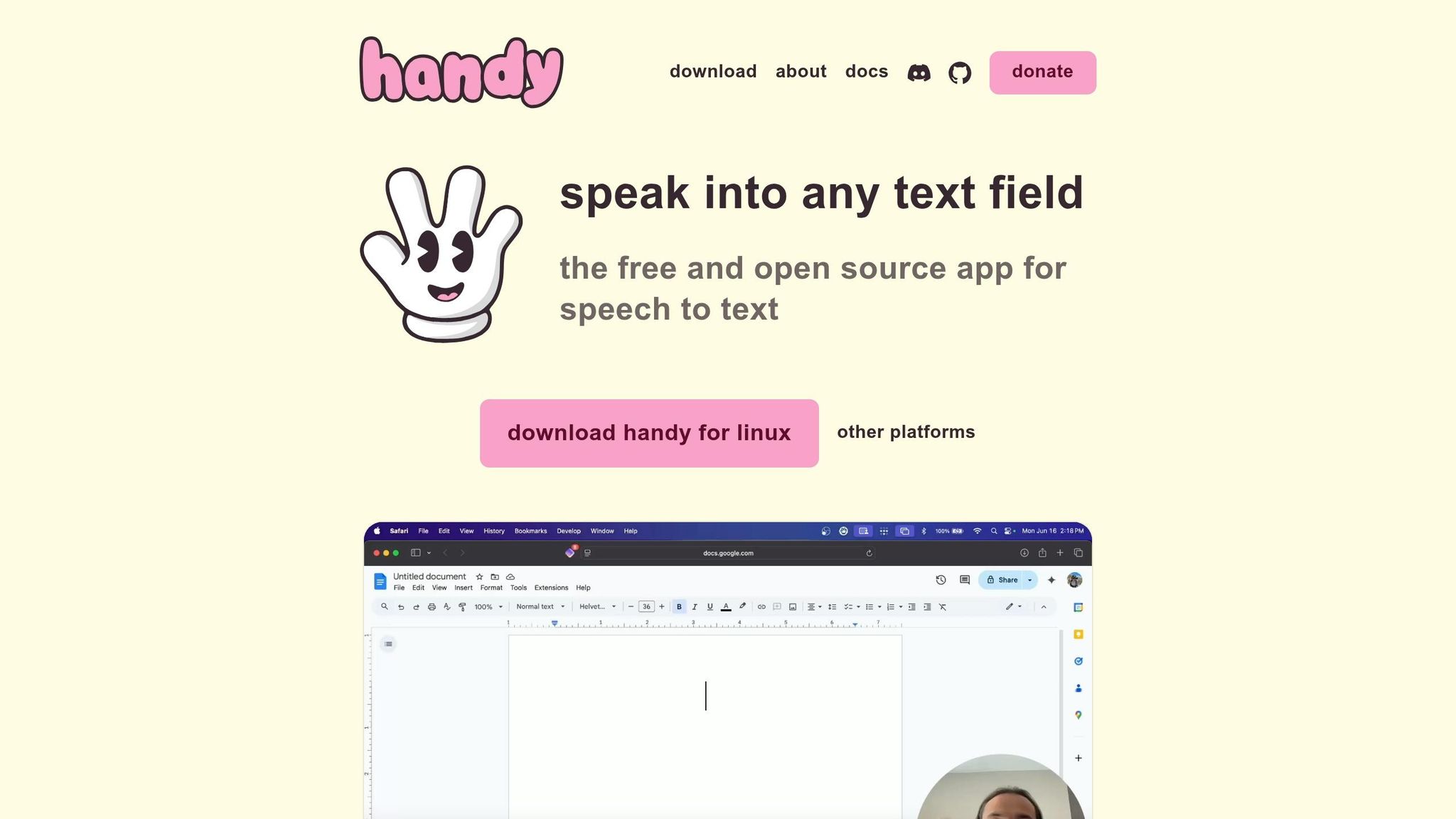
Best for: Mac power users who want a free, offline push-to-talk dictation tool they can script and customize.
Handy is Mac-only. There’s no Android app, so it’s not built for a phone-to-desktop note flow. Instead, it shines as a local dictation tool for macOS. It’s free, open-source, and runs fully offline on your Mac.
The setup is about as simple as it gets: hold a keyboard shortcut, speak, release, and Handy pastes the text into the app you’re using. That makes it feel less like a full note platform and more like a fast voice layer for your Mac.
Transcription and AI Summaries
Handy handles transcription on-device with Whisper models. In plain English, your voice stays on your machine instead of going to the cloud. That’s a big deal if privacy matters to you or if you just want something that works without an internet connection.
The transcription is solid for local dictation, though performance depends on your Mac’s hardware. Faster machines will feel smoother. Older ones may take a bit more time. Handy keeps things simple: you get plain transcription, and that’s it. There are no built-in AI summaries, no action-item extraction, and no task lists.
Export and Automation
This is where Handy starts to stand out. It supports CLI flags like --toggle-transcription, --toggle-post-process, and --cancel, which makes custom scripting easy if you like tweaking your setup. If your dream tool is one you can bend to your own workflow, Handy is in that lane.
On macOS, there’s also a Raycast extension that lets you manage transcript history and control recordings without taking your hands off the keyboard. That kind of keyboard-first setup is catnip for Mac power users.
Handy works well for founders who want to dictate a quick thought on their Mac and drop that text straight into the app already open in front of them. As a free local dictation tool, it does the job well. If your workflow starts on Android, though, the next app is a better match.
4. TypePlus
Best for: Users who want a cross-platform AI dictation tool that cleans up speech on its own and works across Mac, Windows, iOS, and Android.
TypePlus, also known as Typeless, is a cloud dictation app for Mac, Android, iOS, and Windows. It strips out filler words and self-corrections automatically, so raw speech turns into polished text without extra cleanup. That’s a big help if you jot down ideas on Android and fine-tune them later on Mac.
It makes the most sense when you want the same dictation flow across all your devices, without having to fix every transcript by hand.
If you’d rather have a more local, Mac-first setup, the next app leans that way.
5. Superwhisper
Best for: Mac-first power users who want deep workflow automation, local privacy, and flexible AI post-processing.
Note: Android support is not available. If Android is a hard requirement, skip to the next app.
Superwhisper stands out for its Custom Modes. Think of them like saved writing presets for the way you work. You can set up named profiles such as "Investor Update", "Code Comment", or "Meeting Recap", and each one can have its own vocabulary, formatting rules, and AI post-processing instructions. So instead of dictating first and cleaning things up later, you speak once and get text that already fits where it's going.
That can save a lot of time. If you jump between updates, coding notes, and meeting summaries all day, this kind of setup helps cut the back-and-forth.
For accuracy, Superwhisper's local Whisper models deliver about 1.8% WER, while cloud models reach 1.6% WER. The tradeoff is speed. Local processing takes about 6 to 12 seconds, compared with 2 to 5 seconds for cloud. In plain English: local mode is a bit slower, but your audio stays on your device.
| Feature | Detail |
|---|---|
| Platform | Mac only (no Android) |
| Custom Modes | Named profiles with vocabulary, formatting, and AI post-processing |
| Accuracy | ~1.8% WER (local), ~1.6% WER (cloud) |
| Privacy | Local mode keeps audio on-device |
| Pricing | $8.49/mo, $84.99/yr, or $249.99 lifetime; free tier capped at 4/day |
| Enterprise | SOC 2 Type II, custom pricing |
If you need Android support, the next app is the better fit for a true cross-device workflow.
6. VoiceInk
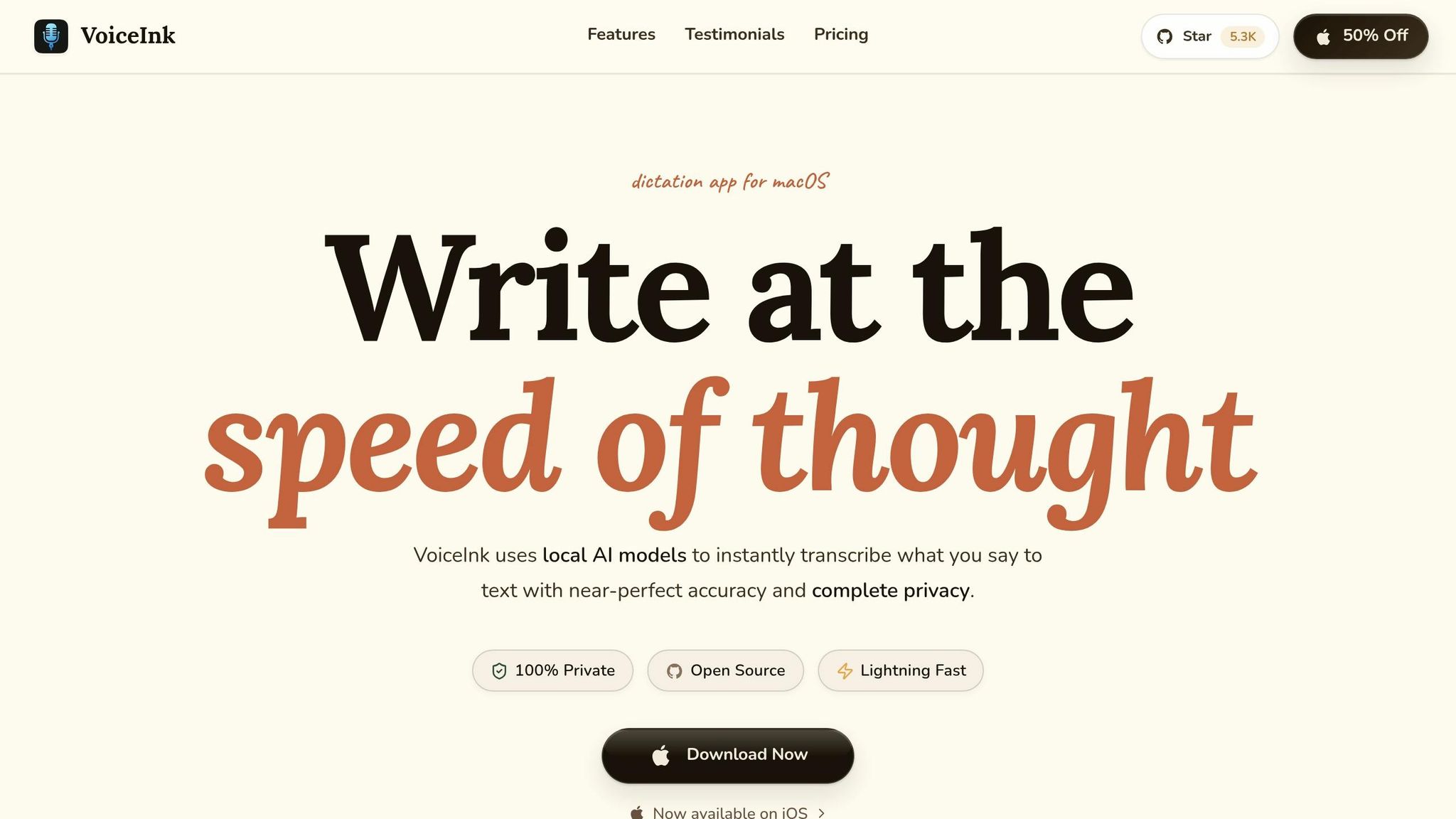
Best for: Mac-only users who want one-time pricing, fully local transcription, and app-aware formatting.
Important note: VoiceInk is Apple-only. You need macOS on Apple Silicon, plus iOS or iPadOS. There’s no Android app, so if Android is part of your workflow, skip this section.
VoiceInk transcribes speech fully on-device with local Whisper and Parakeet models. That means your audio stays on your computer instead of being sent to the cloud. The company claims 99% transcription accuracy. In independent reviews, it scored 8.4/10 for accuracy and 8.5/10 for speed.
What makes VoiceInk stand out is Modes. It can match the app or site you’re using - like Gmail, Slack, Notion, or Obsidian - to the right dictation profile. So instead of speaking into one tool, exporting text, and pasting it somewhere else, VoiceInk types straight into the active window. It feels more direct and a lot less clunky.
You can also set up a Personal Dictionary with industry terms, custom names, and Smart Replace shortcuts. That helps when you deal with technical terms or words that speech tools often butcher.
Pricing is simple and easy to understand:
- One-time license from $25 to $49
- No subscription
- 14-day money-back guarantee
- Open source under GPLv3
| Feature | Detail |
|---|---|
| Platform | macOS (Apple Silicon), iOS/iPadOS - no Android |
| Transcription Engine | Local Whisper and Parakeet |
| Accuracy | 99% claimed; 8.4/10 in independent testing |
| AI Features | Enhancement Modes, Smart Replace |
| Privacy | 100% offline - audio stays on-device |
| Pricing | $25–$49 lifetime; 14-day money-back guarantee |
| Open Source | Yes, GPLv3 |
Some reviewers say the iOS companion app feels less polished than the Mac version. So if your setup lives mostly on a Mac, VoiceInk makes a lot of sense. If your team also needs Android, it’s probably not the right fit, and the next app will work better across devices.
7. macOS Dictation + Android Companion App
Best for: Users who want a low-friction capture workflow built around built-in macOS Dictation plus an Android capture layer, and don't mind manual cleanup.
If you want the simplest setup, this is the fallback. It’s the lightest option here: built-in macOS Dictation paired with an Android capture layer. It’s fast, low-cost, and very manual once the note is captured.
This is a two-step workflow, not a full app. Android handles fast mobile capture, and your Mac handles everything after that. The idea is simple: speak first, sort it out later. That speed has a tradeoff. You don’t get cleanup, structure, or automation. It works best for short, clear notes. Add background noise, and things can fall apart fast. You’ll likely spend time fixing the text by hand.
On macOS, built-in Dictation works across the system and doesn’t need extra software. Sessions often stop after about 30 seconds. So this setup makes the most sense for quick ideas, inbox thoughts, and short reminders when you don’t need full AI cleanup.
Sync depends on the companion app and the notes system you use. A simple way to keep this under control is to send every raw note into one Voice Inbox and review it once a week.
| Feature | Detail |
|---|---|
| Platform | macOS Dictation + Android companion app |
| Transcription Accuracy | Strong on clean audio; weaker in noisy environments |
| AI Summaries | Limited; only in the Mac recording layer |
| Filler Word Removal | No (native Dictation); yes in the Android capture layer |
| Session Limit | Around 30 seconds for macOS Dictation |
| Searchable History | Partial - Voice Memos only |
| Pricing | Free on Mac; Android companion pricing varies |
There’s no built-in task extraction, speaker labeling, or automated workflow. So this setup is best for raw capture, not second-brain workflows.
App-by-App Comparison
Here’s the fastest side-by-side look at the trade-offs that matter most.
A few of these apps rely on Whisper-based transcription, so the biggest differences usually aren’t the transcript itself. They come down to sync, privacy, and automation. In plain English: do you need your notes across devices, do you want processing to stay on your device, and do you care whether meeting capture uses a visible bot?
| App | Platform coverage | Best at |
|---|---|---|
| OneKey | Mac + Android | System-wide Mac dictation, mobile voice note capture, automatic task extraction, and webhook integrations with Zapier, Slack, and Notion |
| Voicenotes | Mac, Android, iOS, Windows, WhatsApp | Cloud sync, rewrites, and summaries |
| Handy | Mac only | Local-first Mac voice capture |
| Superwhisper | Mac only | Customizable local workflows |
| VoiceInk | Mac only | App-aware local dictation |
If you prefer to choose based on how you work day to day, this view makes the shortlist much easier.
| Use Case | Best Fit | Why |
|---|---|---|
| Quick idea capture on Mac + mobile | OneKey | Mac dictation + mobile capture |
| Cross-platform sync | Voicenotes | Native support for Mac, Android, iOS, Windows, and WhatsApp |
| Privacy-sensitive recording | Superwhisper, VoiceInk, or Handy | On-device processing keeps audio local |
| Automation-heavy founder workflows | OneKey | Webhook integrations with Zapier, Slack, and Notion |
| Bot-free meeting notes | Voicenotes | Device-level recording without a visible meeting bot |
A simple way to think about it:
- Pick Voicenotes if Android support and cross-platform sync matter most.
- Pick Superwhisper, VoiceInk, or Handy if keeping audio on your device matters more than sync.
- Pick OneKey if your setup leans hard into Mac dictation, mobile capture, and downstream automation.
That should narrow the list fast before matching each app to a more specific workflow in the next section.
How to Pick the Right App for Your Workflow
The comparison table helps narrow things down. This last step is about matching the app to how you work day to day. Focus on four things: sync, meetings, privacy, and budget.
If you want one synced setup across Mac and Android, go with Voicenotes. It works on Mac, Android, iOS, and Windows, so your notes stay with you no matter which device you’re using.
If your day is packed with meetings, Voicenotes is also the strongest fit. It gives you device-level recording and fast review without a bot. That makes it a good choice when you need to capture things fast and search meeting notes later.
If privacy matters most, pick Handy. It runs fully offline and keeps your audio on your device. It’s the best local-first option, even if it’s not the best pick for use across multiple devices.
If you’re trying to keep costs down, OneKey has the lowest barrier to entry without pushing you into a subscription-heavy setup. It handles Mac dictation, mobile capture, and a clean handoff into Slack or Notion. For founders and people with high-output workflows, that’s a practical setup.
Final Take
The right pick comes down to sync, speed, privacy, and cost. And that’s the part that matters most. Transcription by itself is only half the story. What matters just as much is what happens after you record something: how it syncs, how much cleanup it needs, and where you can send it next.
Voicenotes is the best all-around pick for Mac and Android sync. OneKey fits best if you want fast Mac dictation, easy mobile capture, and a smooth Slack/Notion handoff. VoiceInk is the one-time purchase, while Superwhisper is the subscription choice, and both put local processing first. macOS Dictation is the bare-minimum fallback.
Use the table below to match each app to the workflow you actually need.
| Your top priority | Best pick |
|---|---|
| Cross-device sync | Voicenotes |
| Mac-first speed | OneKey |
| Offline privacy | Superwhisper or VoiceInk |
| One-time payment | VoiceInk |
| Free fallback | macOS Dictation |
Choose the workflow, not the feature list.
FAQs
Which app is best for both Mac and Android?
Voicenotes is the best pick if you want solid support across both Mac and Android. It works on a long list of platforms: Mac, Android, iOS, Windows, wearables, and even WhatsApp input.
That makes it a strong fit for people who bounce between devices during the day and want one central, searchable place for all their voice notes.
Which option is best for privacy?
The best privacy-focused picks use on-device, local transcription instead of cloud processing. That means your audio stays on your phone or computer, not on someone else’s server.
If privacy is your top concern, check for one clear promise: your audio never leaves your device.
Examples mentioned here include Yaps, SnailText, Apple Dictation, and VoiceToNotes.ai for local or bot-free processing.
What should I choose on a tight budget?
If money’s tight, start with the free options first. That usually gets you far enough to see what you need before paying for anything.
- On an Apple Silicon Mac, Apple Voice Memos is the best pick if you want free, private, on-device transcription.
- If you need something that works across different devices, VoiceToNotes.ai stands out because its free tier gives you unlimited access to core transcription and note organization.
- For meetings, Otter.ai includes 300 free transcription minutes per month.