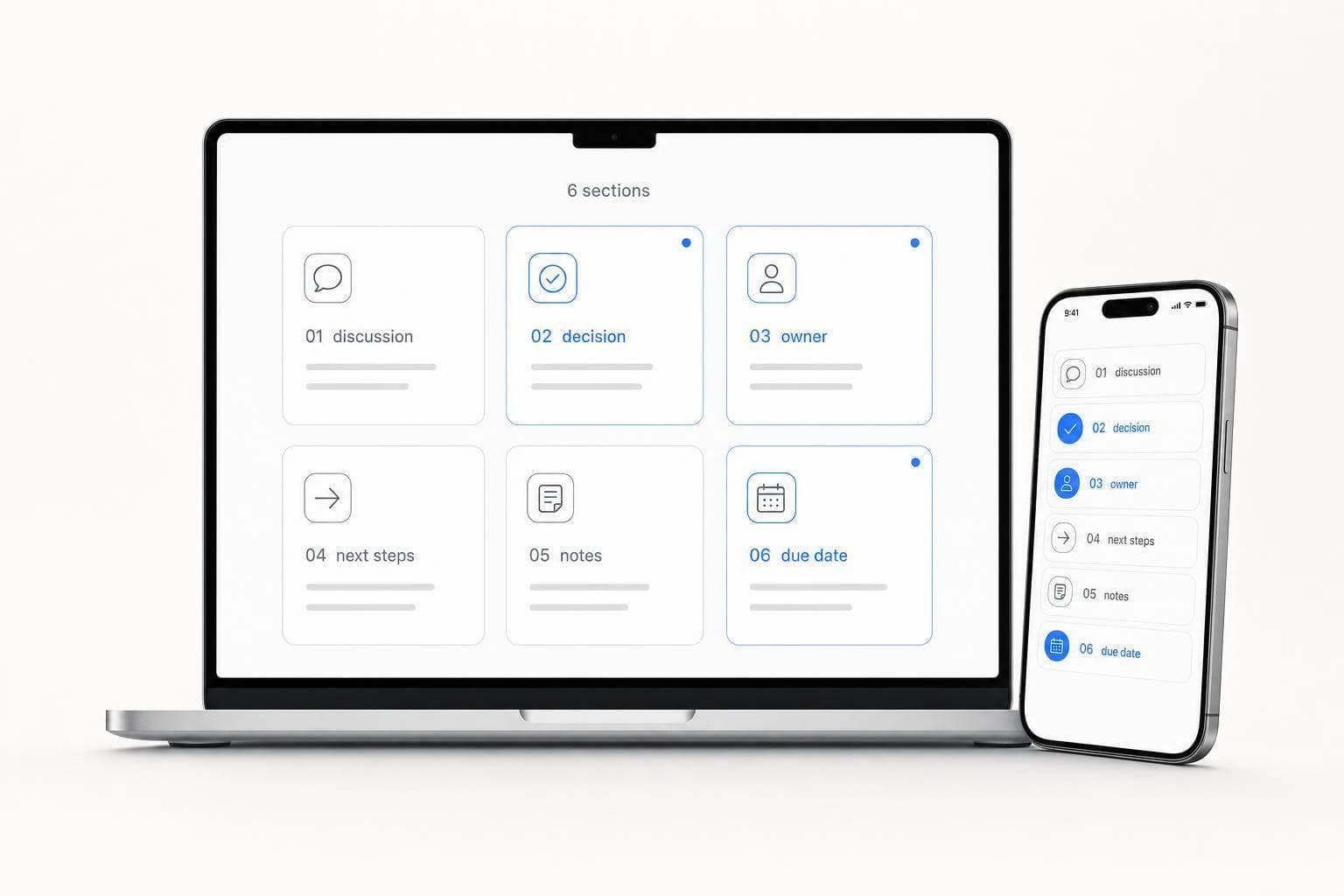
AI Meeting Summary Format: 6 Sections That Matter
If your meeting summary doesn’t show decisions, owners, and due dates right away, it fails.
I’d boil this article down to one point: use a 6-part structure every time. That means:
- Meeting context
- Agenda review
- Key points
- Decisions
- Action items
- Blockers and follow-ups
This format works because most meetings produce three things people need fast: what was discussed, what was decided, and who does what next. I’d also make one last edit before sending: fix vague wording, add exact dates like July 18, 2026, and check names, acronyms, and open issues.
A missed owner or fuzzy deadline can stall follow-through by days. A short, clean summary can cut that risk and help people scan the meeting in under a minute.
| Section | What it should show | What to avoid |
|---|---|---|
| Meeting context | Date, time, attendees, purpose | Missing basics |
| Agenda review | Topics in the order discussed | Planned order if the meeting changed |
| Key points | Main facts, updates, tradeoffs | Side chats and filler |
| Decisions | Final calls and the reason behind them | Hiding decisions in long paragraphs |
| Action items | Owner, task, exact due date | “Soon” or “next week” |
| Blockers and follow-ups | Risks, approvals, dependencies, next check-in | Mixing with action items |
If I were setting up an AI summary process, this is the format I’d start with.
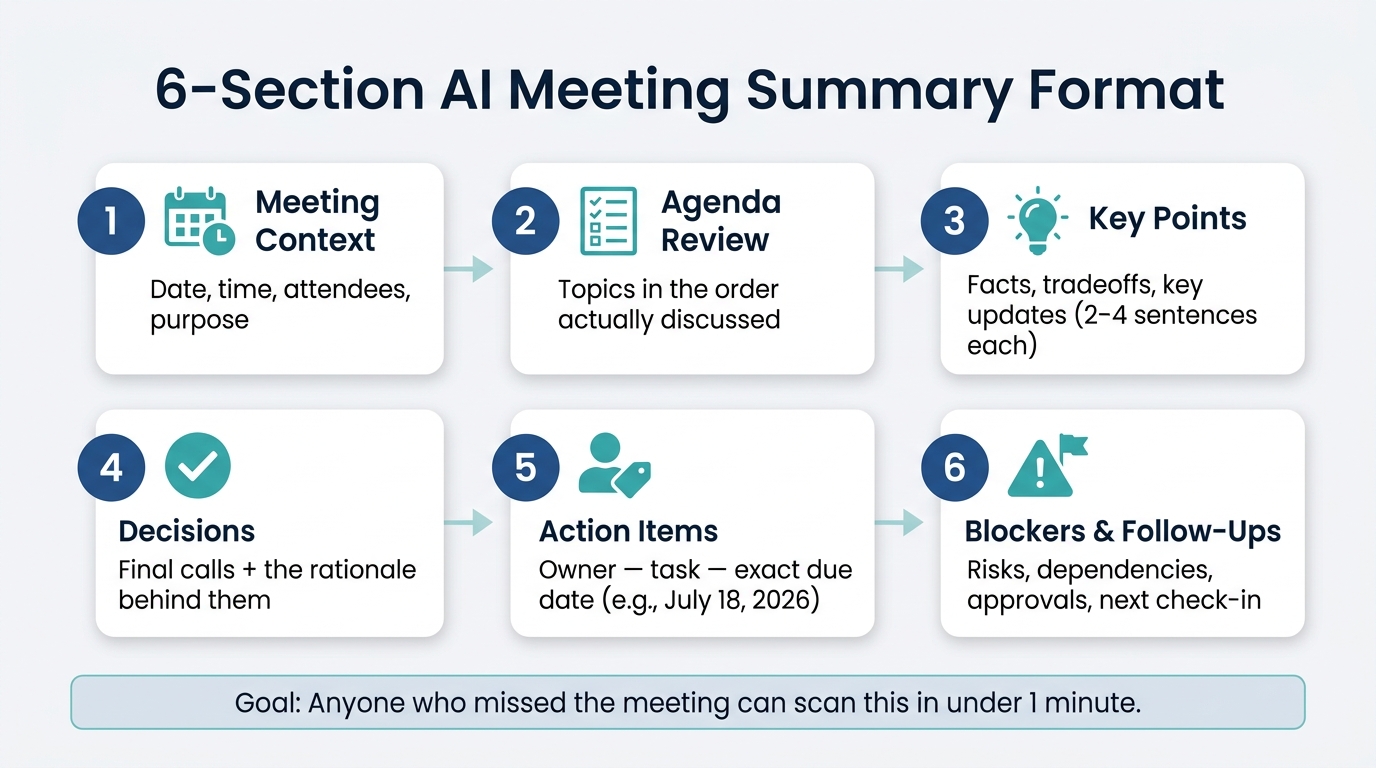
6-Section AI Meeting Summary Format: Structure Every Summary Should Follow
[108] 🤖 AI + Templates = Perfect Meeting Minutes Every Time!
sbb-itb-b6fe06e
The 6-section AI meeting summary format
Use this order. Each section does a different job. Put together, they turn a rough AI draft into a summary your team can read fast and act on.
1. Meeting context
Start with the basics before anyone gets into the discussion: who attended, when the meeting happened, and why it was held. A clean header can look like this: July 13, 2026 | 2:00 PM ET | Attendees: [Name], [Name], [Name] | Purpose: [Specific meeting purpose].
2. Agenda review
List agenda items in the order they were actually discussed, not the order they were planned. That small shift makes the rest of the summary much easier to follow.
3. Key points
Under each agenda item, write two to four sentences that sum up what mattered: facts, tradeoffs, and key updates. Cut side chats, repeated comments, and filler. If a sentence sounds fuzzy or drifts off topic, tighten it.
4. Decisions
Pull each final decision out of the discussion and put it on its own line. Don’t hide decisions inside long paragraphs. Keep the rationale - the "why" behind the call. That context helps later with approvals, budgets, and stakeholder alignment.
5. Action items
Each action item needs three parts: an owner, a deliverable, and a due date. Use a format like Owner - task - due July 18, 2026. Phrases like "next week" or "soon" are too loose to drive follow-through. If the AI draft uses relative dates, swap them for exact calendar dates before sending the summary.
6. Blockers and follow-ups
List unresolved blockers, dependencies, risks, approvals, and the next check-in here. Keep this section separate from action items so a team lead can scan it fast and see what needs attention before the next meeting.
How to edit AI output into a usable summary
After the six-part draft is done, give it a quick edit before you share it. This is where the summary stops sounding like a rough machine draft and starts reading like something a person can use.
The goal is simple: make it clear enough that someone who missed the meeting can scan it and know what happened.
Remove filler and rewrite vague language
The biggest problem is usually vague wording that hides the point. Phrases like "it was discussed that" don't help anyone. They sound busy, but they don't say much. Swap them for direct statements.
| Vague AI Output | Edited Version |
|---|---|
| "It was discussed that we need more leads." | "Increase the Q3 lead generation budget by 20%." |
| "Someone should check the server logs." | "John Doe - review server logs - July 15, 2026." |
| "We might launch in August." | "Launch date: August 12, 2026." |
| "There was talk about the budget." | "Approved: $50,000 for the new R&D project." |
Cut repeated points too. Do the same with verbal clutter - the kind of stuff that sounds fine out loud but just takes up space on the page.
Check ownership, dates, and open items
Next, make sure decisions stay under Decisions, and unresolved issues stay under Blockers and follow-ups. That sounds small, but it matters. If those sections blur together, the summary gets messy fast.
Every action item should have:
- a named owner
- an exact due date
Use exact dates or times, not phrases like "next week" or "soon."
If the AI pulled a relative date from the transcript, fix it before the summary goes out. A fast scan across both sections will usually catch mismatches.
A simple workflow for capturing and structuring meeting notes
Once you’ve edited the draft, stick with the same flow each time. Right after the meeting ends, record a quick spoken recap so you already have something ready to shape.
Use OneKey to turn spoken notes into structured output
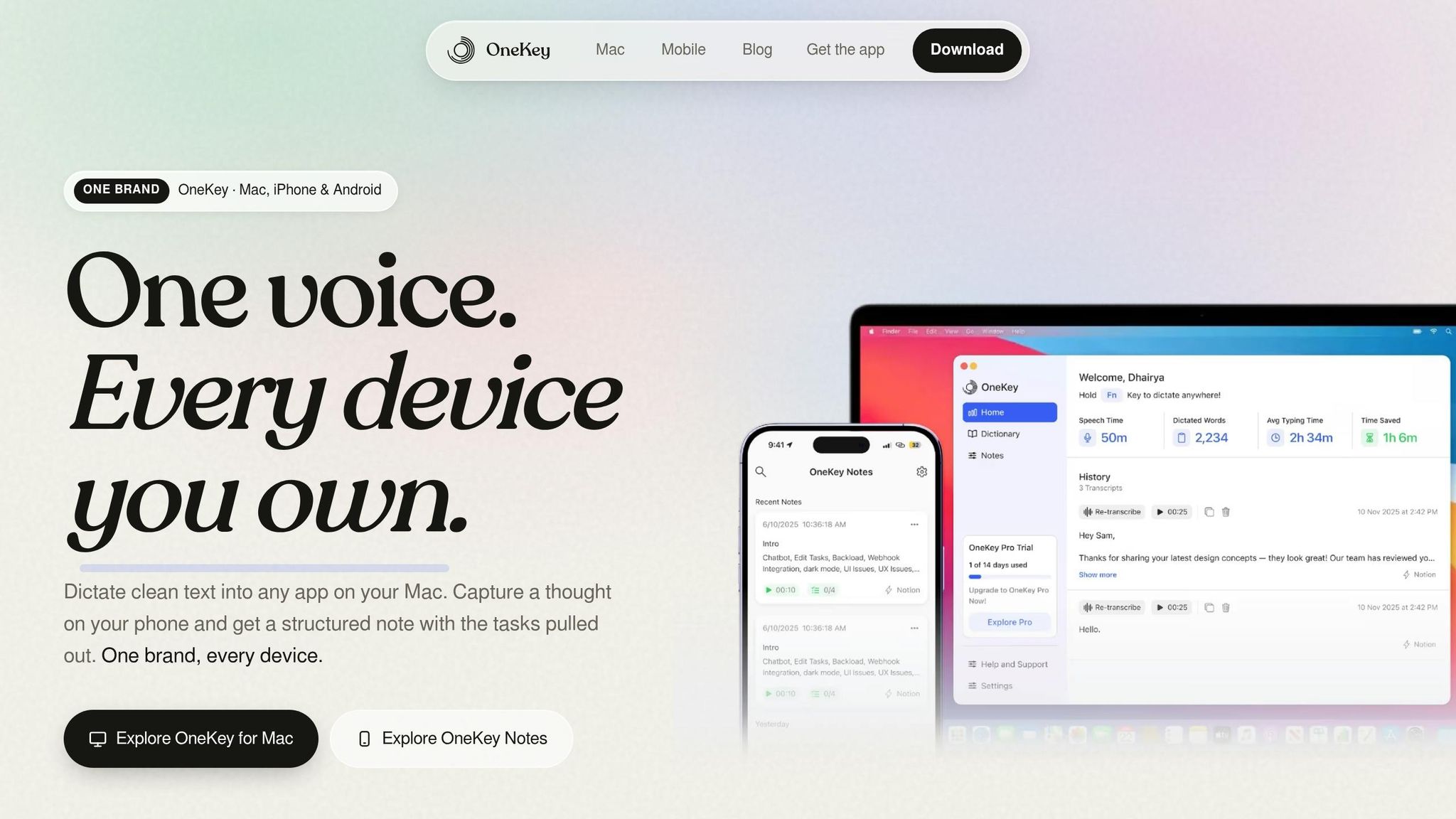
Just tap record and talk through the recap. OneKey can remove filler words, smooth out sentence flow, and turn rough speech into a polished draft. You can also use a built-in template or your own custom one, so the output already fits the summary format you want.
From there, you can send the draft into email, a task list, or whatever follow-up step comes next.
Store summaries where decisions can be found later
Next, file the summary by project or client. OneKey stores captured notes and structured outputs in a searchable archive, and webhook support makes it easy to send summaries or action items into the tools your team already uses.
It also helps to tag summaries when you capture them. That way, when someone needs to check what was decided two or three weeks later, the trail is much easier to find.
Conclusion: The sections that make AI summaries actionable
The six sections - meeting context, agenda review, key points, decisions, action items, and blockers/follow-ups - turn a noisy transcript into a summary people can scan fast and use right away.
Before you send it out, do one quick edit. Check that every action item has a clear owner and an exact due date. Then scan for misheard names, acronyms, and project terms.
That last pass can turn a rough draft into a summary the team can use immediately.
FAQs
How long should a meeting summary be?
A meeting summary should be short and action-oriented. It shouldn't read like a transcript or a pile of random notes.
Focus on the information that matters most: key discussion points, decisions made, and assigned action items. Keep the format clear and easy to scan so busy professionals can spot the main takeaways fast.
What if the meeting ends without a clear decision?
If a meeting ends without a final decision, don’t leave things fuzzy. Mark the topic as an open item or pending discussion in the meeting summary.
Add the current status, the questions that still need answers, and who owns the task of pulling together the info needed to decide. That way, the work doesn’t stall and the next steps stay clear.
Can this format work for recurring team meetings?
Yes. This format works well for recurring team meetings because it keeps everyone aligned, shows progress over time, and turns discussion into clear next steps.
Using the same sections - agenda, decisions, action items, and follow-ups - gives your team a steady reference point for each meeting. It also makes things easier for anyone who couldn't attend, since they can scan the notes and catch up fast.
If you use OneKey, it can turn spoken input into these structured summaries in the background, so your workflow stays smooth and your notes stay organized.